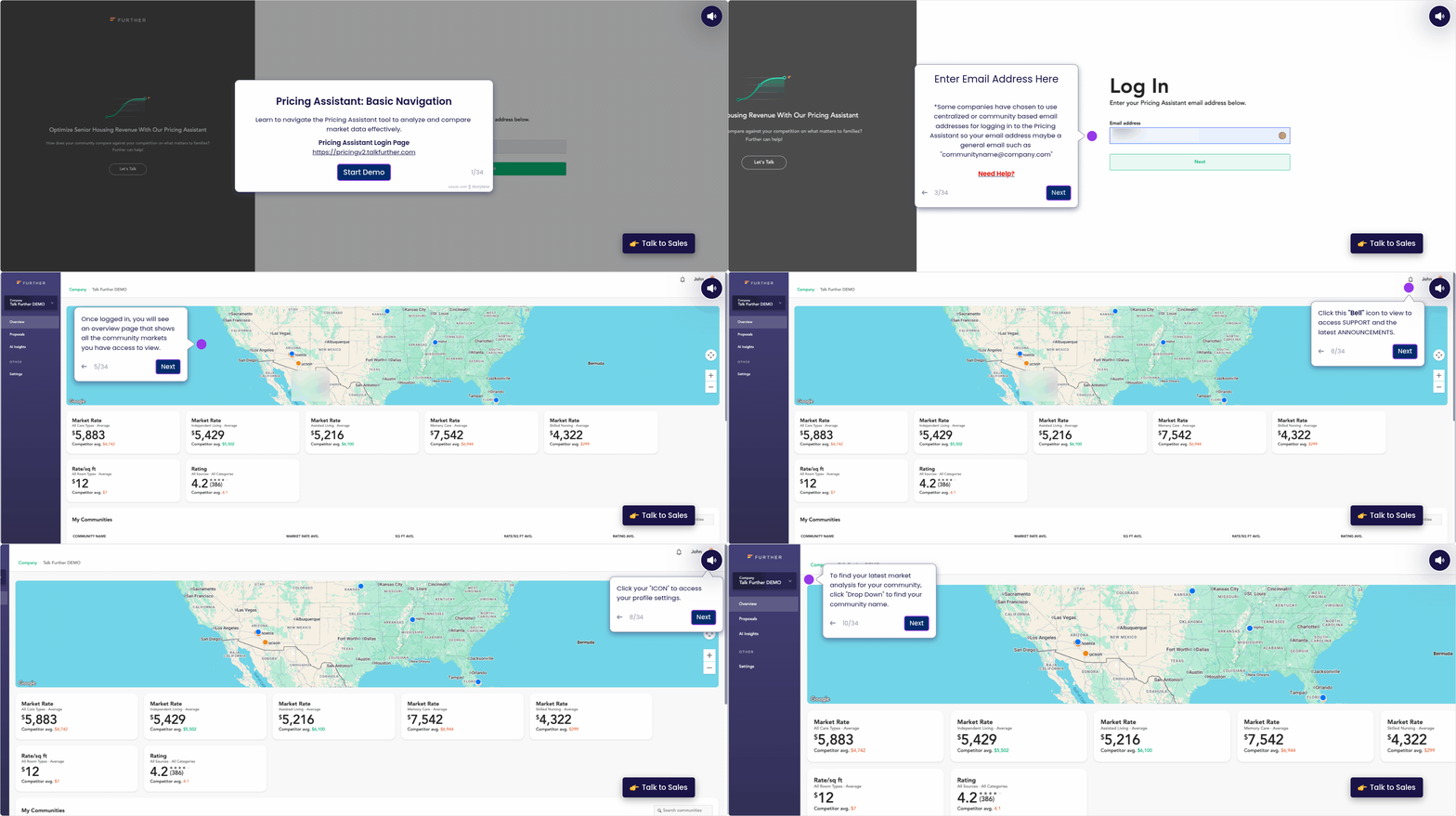
Pricing Assistant: Basic Navigation
Last updated: June 11, 2026
This overview introduces the core navigation of Pricing Assistant, helping you feel confident moving through the platform from day one. It covers login basics, standard page layouts, key icons, filters, and where to find updates so you always know where to look and how to work efficiently.
By understanding the foundational views and navigation tools, you’ll be better equipped to explore data, customize your experience, and get the most out of Pricing Assistant.
In this video walkthrough, we’ll show how to navigate Pricing Assistant and understand its core features.
Click the image below to open the interactive walkthrough in a new window.