Receive Weekly Report of Job Applicants
Last updated: June 12, 2026
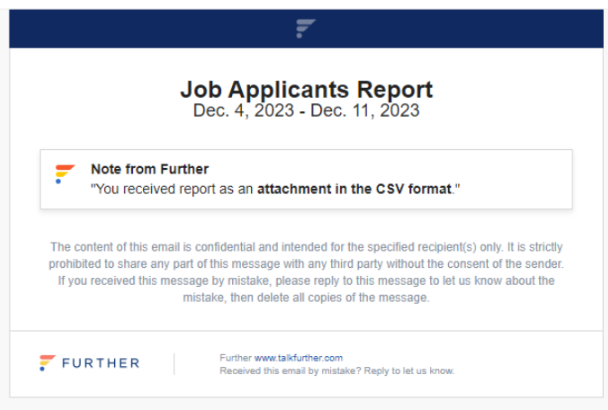
If you would like to see a recap of all of the job applicants sent to your community over the last week, we offer an option for that, which is sent every Monday. This report will be sent via email with a CSV attachment of the past week’s job applicants.
Below is an example of an email with the attachment:
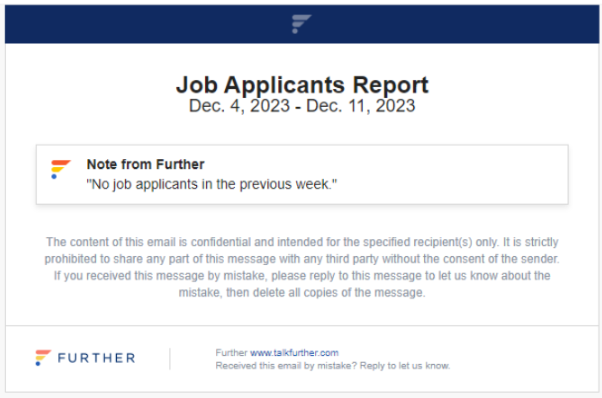
If there were no job applicants the previous week, the report will appear as below:
The system default is NEVER. To set up this weekly job applicant alert, follow the steps below.
Set Up Weekly Job Applicant Reports
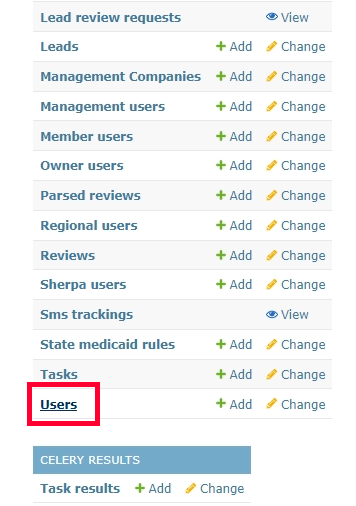
Log in to the Django/admin site and scroll down to select the Users settings.
Use the search bar at the top to find the desired user.
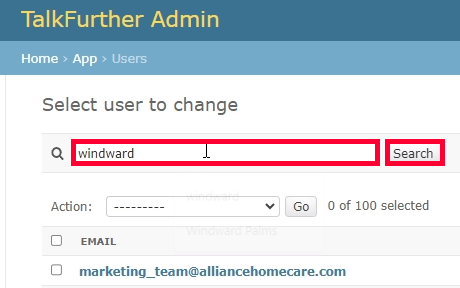
Select the appropriate user account. Scroll down to Job applicants report frequency and select Weekly.
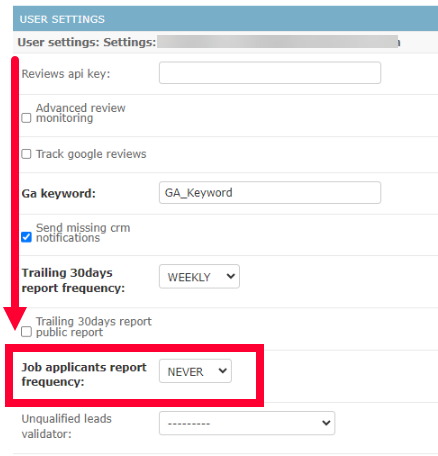
To turn off the reports, you can change the dropdown to Never.
When you're done, be sure to click Save in the bottom right.
Things to Note
- Emails that would receive this notification are those that are defined on Settings -> Job Applicant Emails
- In case the emails are defined but there were no job applicants in the previous week we will send an email but there will be no attachment and the email body will contain the following message: "No job applicants in the previous week."
- In case we had job applicants in the previous week we will send an email with the attached CSV file. CSV file format is the same as the one on the Job Applicants page.